
bod33 — Live Tables, Slots and Cricket Sportsbook in One Place
bod33 puts live baccarat, Crash Lightning, slot rooms and cricket sportsbook markets on one screen, with deposits via bKash, Nagad and Rocket that clear in seconds.
bod33 · Bangladesh
Service availability depends on eligible regions and local law. Users should check local rules before opening an account.
Four Reasons to Start at bod33
We built bod33 around the way Bangladesh players actually browse — on a phone, between matches, switching from slots to live tables without losing your place. Here is what that looks like in practice.
Cricket and Sports Markets
BPL, IPL and international cricket sit at the front of our sportsbook. Browse match markets, check odds and place your stake without leaving the app.
Live Casino and Slots Together
Switch from a live baccarat table to Teen Patti Blitz or Slot Starfire in one tap. No separate lobbies, no page reload — everything is in the same session.
Local Wallet Payments
bKash, Nagad and Rocket are built into the cashier. Deposit from your mobile wallet and the balance shows in your account without a bank transfer delay.
Android App and Mobile Web
Download the APK directly or open the mobile site — both give you the full lobby. No app store approval wait; install and you are in.
What Is Running on Your Account This Week

New accounts can pick up a deposit match on their first top-up. Amount and terms are shown at the cashier step when you add your first bKash or Nagad payment.
Open Your Account
Selected slot titles carry feature-spin rounds tied to specific deposit windows. Roulette Dreamspin and Slot Starfire are among the titles that qualify in the current cycle.
Open Your AccountbKash, Nagad and Rocket — Your Cashier Options
Every payment method in our cashier is chosen for Bangladesh. Open the cashier tab, pick your wallet, enter the amount and confirm with your PIN — the balance updates in your account once the transfer clears on the wallet side.
Send from your bKash app to the account number shown in the cashier. Confirm with your bKash PIN and the deposit reflects in your bod33 wallet once the transaction settles.
Nagad transfers follow the same path — open Nagad, send to the displayed number, enter your PIN. Withdrawals back to Nagad go through a wallet-verification step before release.
Rocket is available for both deposits and withdrawals. Use the Dutch-Bangla Rocket app, send to the cashier number, and your account balance updates after the network confirms.
Slots, Live Tables and Crash Games — All in One Lobby
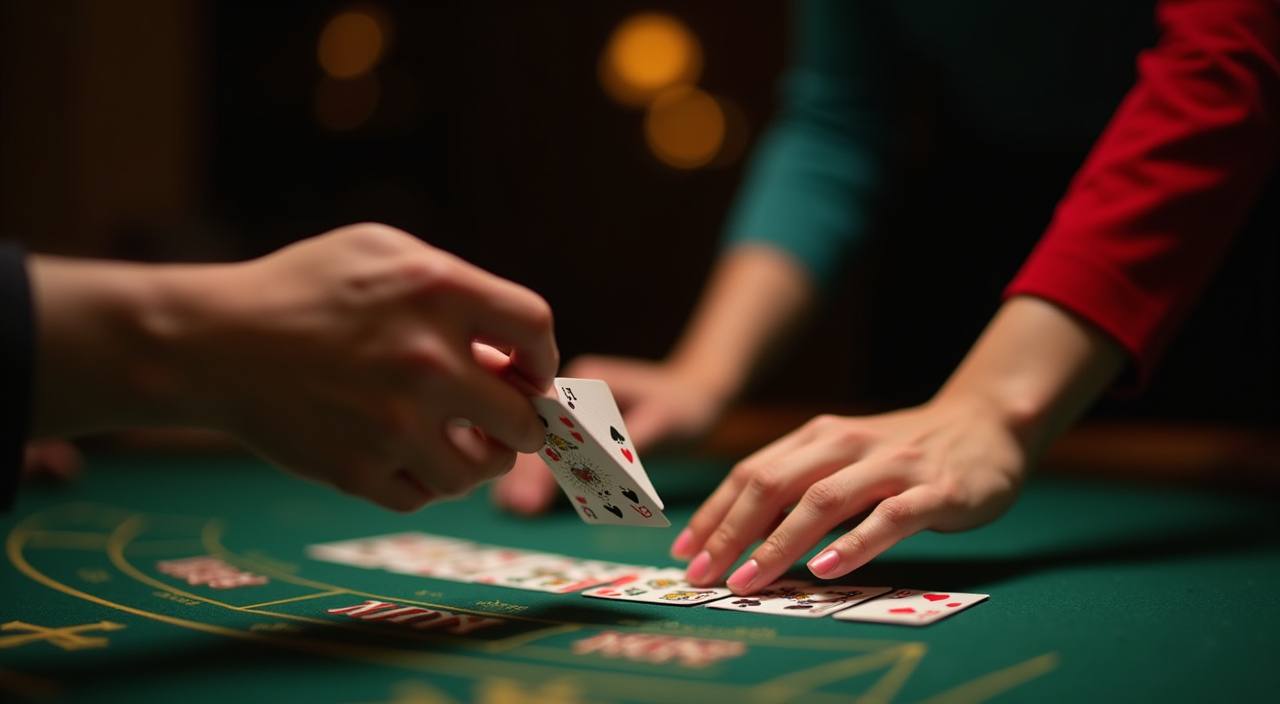
The bod33 lobby is split into clear categories so you can find what you want without scrolling through everything. Slots from Pragmatic Play and PG Soft sit alongside live dealer tables from Evolution — baccarat, roulette and Dragon Tiger streamed in real time. Crash games like Crash Lightning run on a separate multiplier track: the round starts, the multiplier climbs, and you cash out before it stops. Teen Patti Blitz and Football Quickstrike are in the table-games row for players who want something between a slot and a live table.
Bank Transfer Fastpay

Blackjack Flip
Crash Rush

Roulette Dreamspin
Cashback Guide Bangladesh

Football Quickstrike
Crash Lightning
Teen Patti Blitz
Get the bod33 App on Android or Open on Mobile Web
The Android APK is available directly from bod33 — no app store needed. Download, install and log in with your account credentials. iOS users open the mobile site in Safari and add it to the home screen for an app-like experience. Both paths give you the full lobby, live tables, sportsbook and cashier. Players in Dhaka and across Bangladesh reach the lobby in seconds on a standard mobile connection.
Android APK
Latest version
- 1Android: download APK from bod33
- 2Android: install and open — allow unknown sources if prompted
- 3iOS/Web: open bod33 in Safari
- 4iOS/Web: tap Share then Add to Home Screen
Four Steps from Download to First Game
Getting into the lobby takes four steps. Pick your access path first — app or mobile web — then create your account, connect your local wallet and you are in. The whole process runs on your phone; no desktop required and no documents needed at the registration stage.
Choose Your Path
Download the Android APK from bod33 or open the site in your mobile browser. Both give you the same lobby and cashier without any feature difference.
Create Your Account
Fill in your mobile number, set a password and confirm with the OTP sent to your phone. The account is active as soon as the OTP clears — no email required.
Add Your Local Wallet
Open the cashier, select bKash, Nagad or Rocket, and send your first deposit to the number shown. Your account balance updates once the wallet transfer confirms.
Enter the Lobby
With balance in your account, head to slots, live tables or the sportsbook. Use the category tabs to switch between Crash Lightning, live baccarat and cricket markets.
How to Reach Us When You Need Help
Our support team handles account questions, wallet issues and game queries. If a bKash deposit is not showing or a withdrawal is pending verification, contact us through live chat or the support email and we will check the transaction on our end. Response times vary by channel and time of day.
Live Chat
The chat icon sits at the bottom of every page. Open it, describe your issue — for example a Nagad deposit that has not reflected — and the agent will pull up your account and transaction record to check.
Email Support
For account verification, withdrawal holds or anything that needs a document attached, email is the right channel. Include your registered mobile number and a description of the issue so the team can locate your account without back-and-forth.
FAQ and Help Centre
Common questions about wallet linking, OTP issues, APK installation and game rules are answered in the help centre. Check there first for wallet steps — most bKash and Rocket deposit questions are covered with screenshots.
Casino and Betting Terms Worth Knowing
New to online casino or sportsbook? These are the terms that come up most often in the lobby and cashier.
RTP stands for Return to Player — the percentage of total bets a slot pays back over many rounds. A 96% RTP means the game returns 96 taka for every 100 wagered on average, over a long run.
A wagering requirement tells you how many times you must bet a bonus amount before withdrawing it. A 20x requirement on a 500-taka bonus means you need to wager 10,000 taka total before the funds unlock.
Volatility describes how a slot pays out. High volatility means bigger wins that come less often; low volatility means smaller, more frequent wins. Slot Starfire and Gates of Olympus are high-volatility titles.
In crash games like Crash Lightning, a multiplier starts at 1x and climbs each round. You cash out before the round ends to lock in that multiplier on your stake. If you wait too long, the round crashes and the stake is lost.
KYC means Know Your Customer — the identity check a platform runs before releasing a withdrawal. It usually involves confirming your mobile number and, for larger amounts, a national ID document.
A handicap gives one team a virtual head start to level the odds. In cricket, a handicap market might give a weaker team a 20-run head start, changing the effective result for betting purposes.
An accumulator combines multiple match selections into one bet. All selections must win for the bet to pay out. The odds multiply across each leg, so the potential return is higher but so is the risk.
Platform at a glance
| Game providers | Pragmatic Play, Evolution, CQ9, Nolimit City |
|---|---|
| Game categories | Live Casino, Slots, Sportsbook |
| Accepted currency | BDT |
| Payment methods | bKash, Nagad, Rocket, Upay, Bank Transfer |
| Mobile access | Phone, tablet and desktop browser |
| Customer support | Live chat and email |
Questions About bod33 — Answered
Here are the questions we hear most from new and returning account holders.
Open Your bod33 Account and Start Exploring
The lobby is ready — live baccarat tables, Crash Lightning, cricket sportsbook markets and slot rooms from Pragmatic Play and PG Soft are all one tap away. Add your bKash, Nagad or Rocket wallet at the cashier and your balance is live in seconds. Download the Android APK from bod33 or open the mobile site and add it to your home screen. Availability depends on your local law and eligible region — check that access is permitted for you before registering.